Day2: Basics linux command
Day2: 90 days of DevOps -
Check your current working directory.
-> To check the current directory, the command is ‘pwd’.

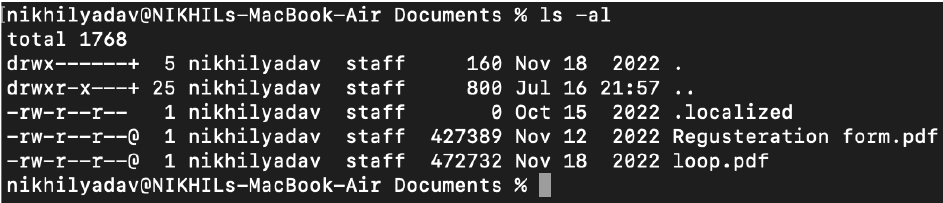
List all the files and directories including hidden files.
-> To check the current directory, the command is ‘ls -a’’.
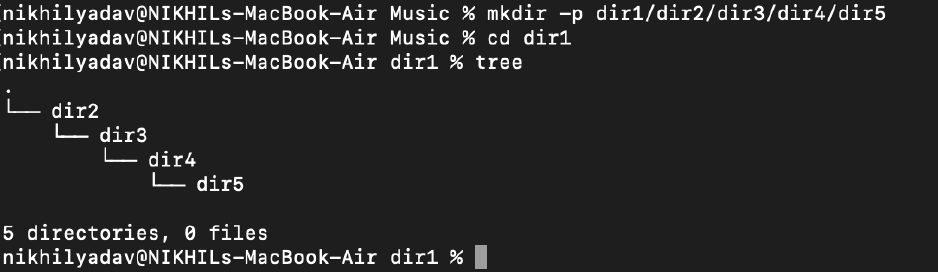
Create a nested directory.
-> To check the current directory, the command is ‘mkdir -p A/B/C/D/E’’.
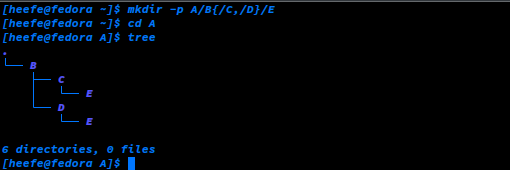
NOTE - To make a subdirectory or more than 1 folder in a directory, we can run the following command -
mkdir -p A/B{/C,/D}/E